Visual quick start · 4 steps
Turn a dance video into your next lesson.
Import a dance, learn it count by count, inspect each move from any angle, and practice with live feedback—all privately on your device.
The complete flow
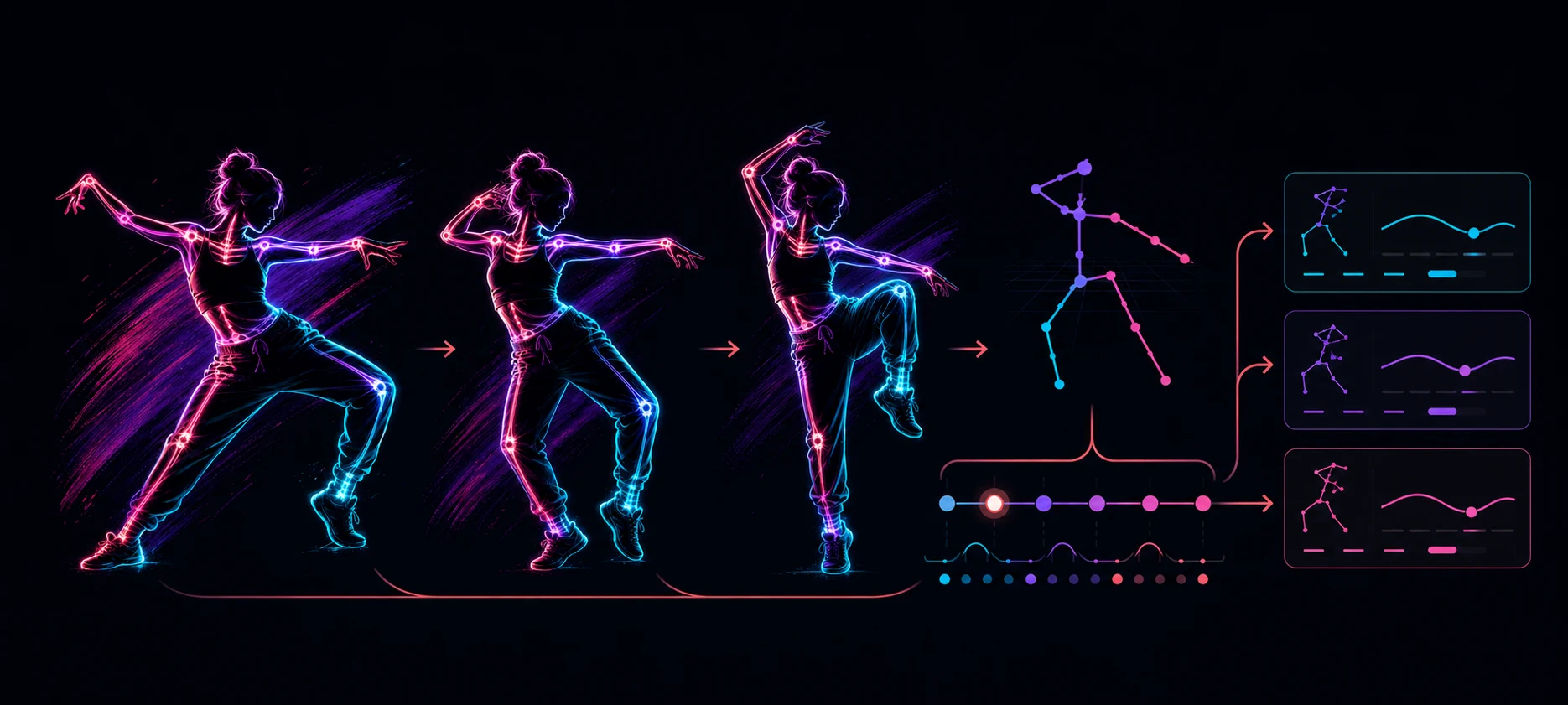
One video. Four ways to understand the movement.
DanceCoach analyzes a local copy on a compatible iPhone or iPad, turns supported movement into a reusable lesson, and keeps that reference connected across lesson playback, Motion Explorer, and Live Coaching.
Import a dance video
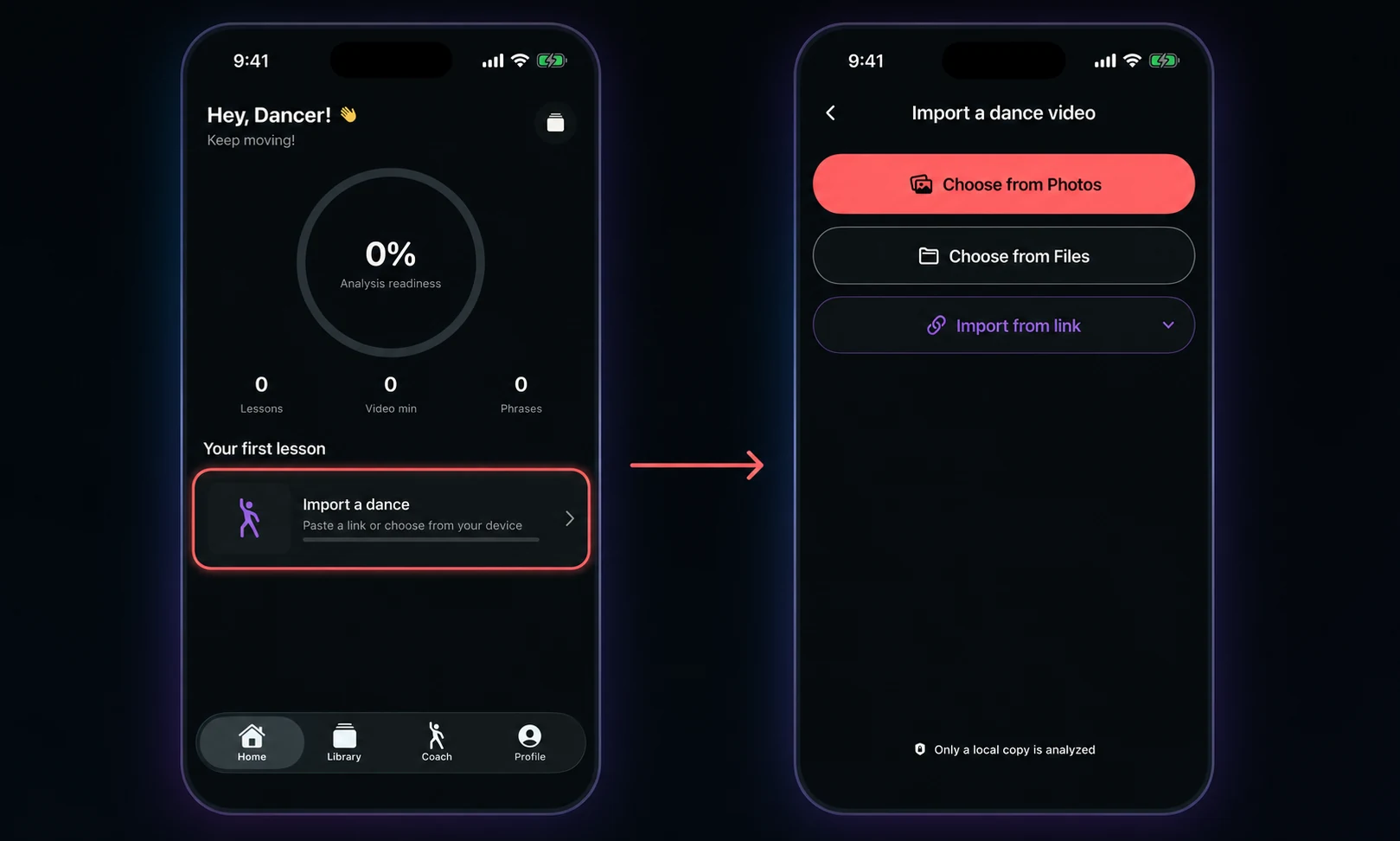
Start from Home and tap Import a dance. Pick the source that already has your reference video.
- Photos: choose any video saved in your photo library.
- Files: select a movie stored on your device or in Files.
- Video link: expand Import from link, paste the URL, then tap Import video.
- Review the clip: use the video check, set the useful range, then choose your level, dance style, and lesson length.
Learn the lesson
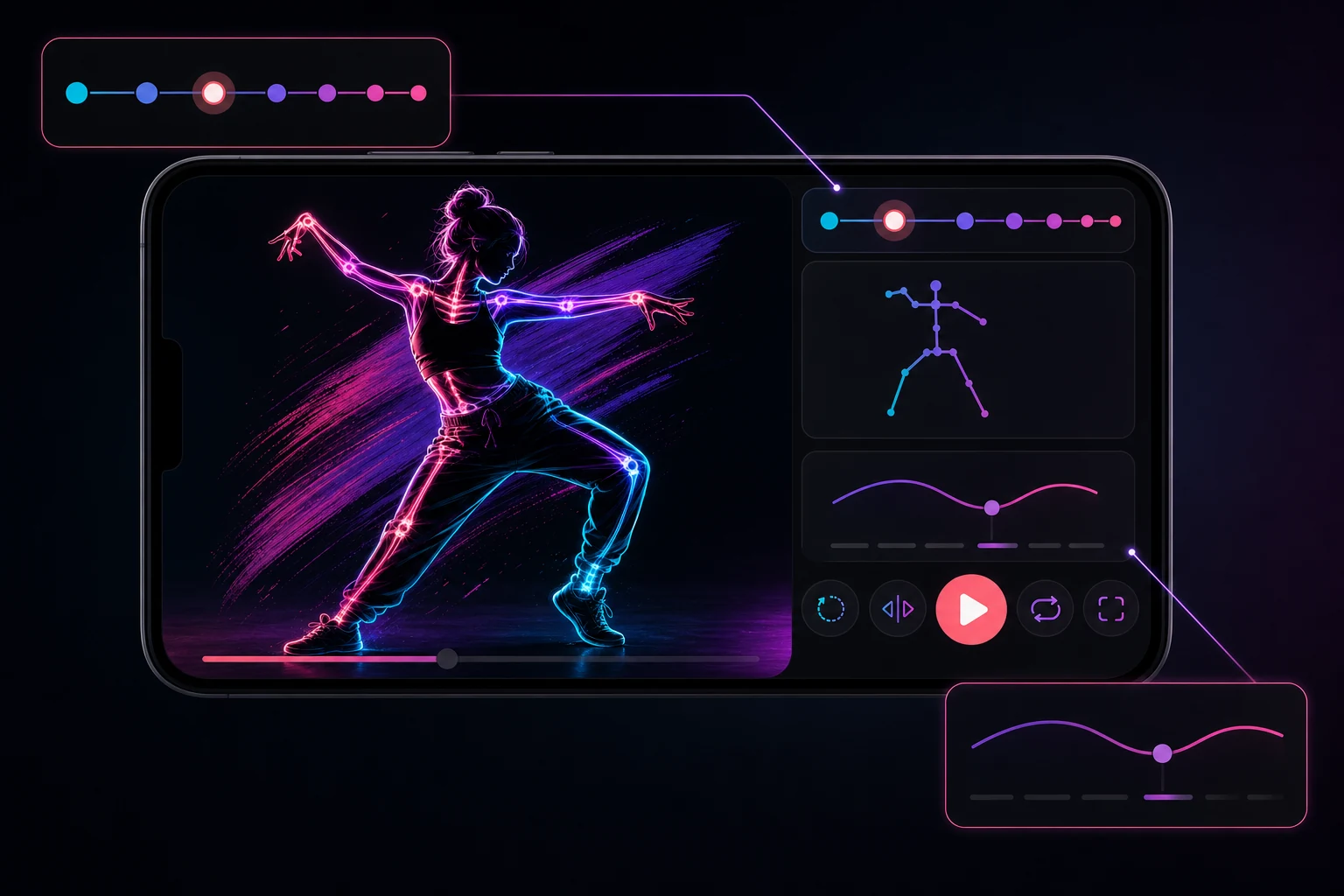
When analysis finishes, DanceCoach organizes the dance into phrases, counts, key poses, and focused teaching cues.
- Move count by count: tap a count marker to jump to that moment.
- Repeat tricky parts: slow the playback, turn on Loop, or mirror the video.
- Follow the cues: use the pose overlay and movement notes to understand what changes next.
- Return anytime: saved lessons stay available from your lesson library.
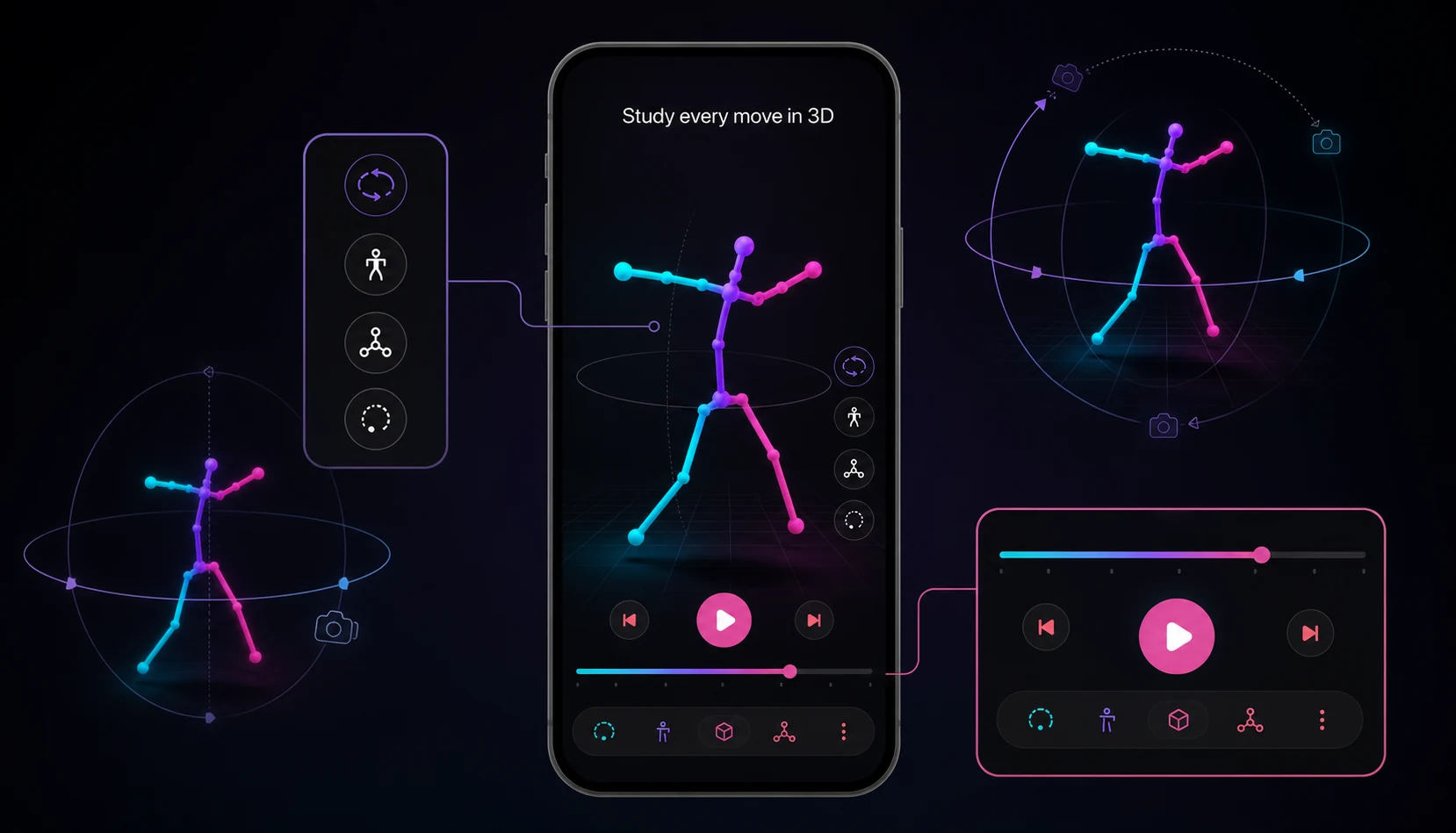
Study every move in 3D
Open Motion Explorer from the lesson to inspect the reconstructed pose without being limited to the camera’s original angle.
- Drag to orbit: move around the dancer to check alignment from the front, side, or back.
- Pinch to zoom: get closer to hand, leg, or torso details.
- Scrub or play: study one frame or watch the movement flow through the phrase.
- Read the evidence: DanceCoach labels measured and estimated depth so the reconstruction stays honest.
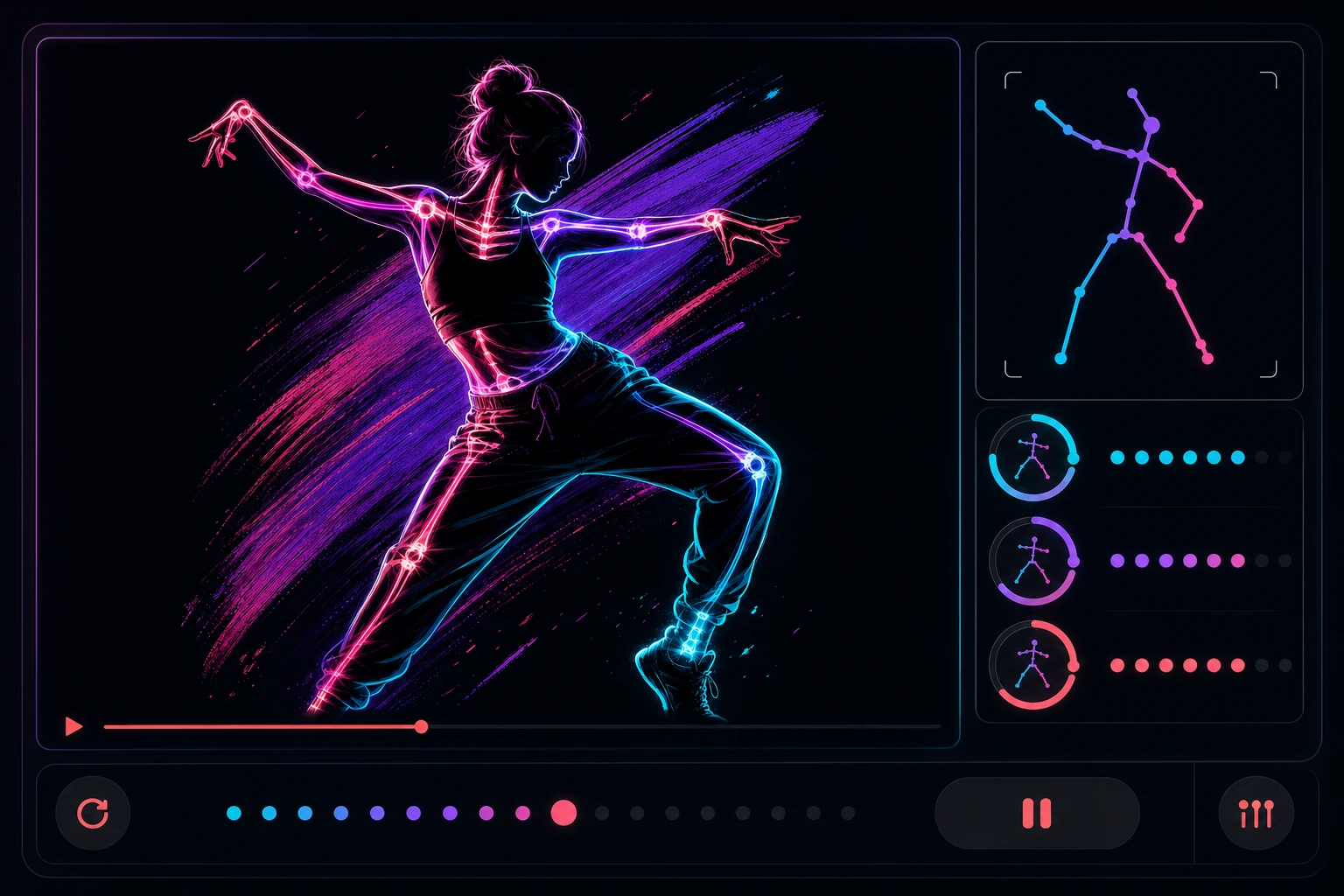
Practice with Live Coaching
After you have analyzed a reference, start from Live coaching on Home or tap Practice live inside a lesson phrase.
- Set up your camera: place the phone where your full body can stay in frame.
- Tap Start: use the count-in to get ready before the reference begins.
- Watch the comparison: live indicators compare pose, timing, contacts, and trajectories.
- Adjust and repeat: pause, restart, or focus on one lesson phrase until it feels natural.